

Family
Add your family or housemates and manage everyone in one place—shared chores, clear progress, less stress.
Chorish is optimized for tablets in landscape mode. For the best experience, please use a tablet or desktop device.
A free family chore tracker for kids, parents, and roommates. Shared chore chart, private in your browser, no sign-up.
Chorish is a free family chore tracker for busy homes. Add household jobs, let everyone mark chores done, and keep progress visible on a phone, tablet, or computer—without creating an account.
Use it instead of a paper chore chart when the list keeps changing, or when you want kids and adults to see the same shared chore board. For practical ideas, see making chores feel fair and our age-appropriate chores guide.
Clear jobs, visible progress, and less reminding.
One shared chore list for families, partners, or roommates.
No sign-up. Your chore board stays in your browser.
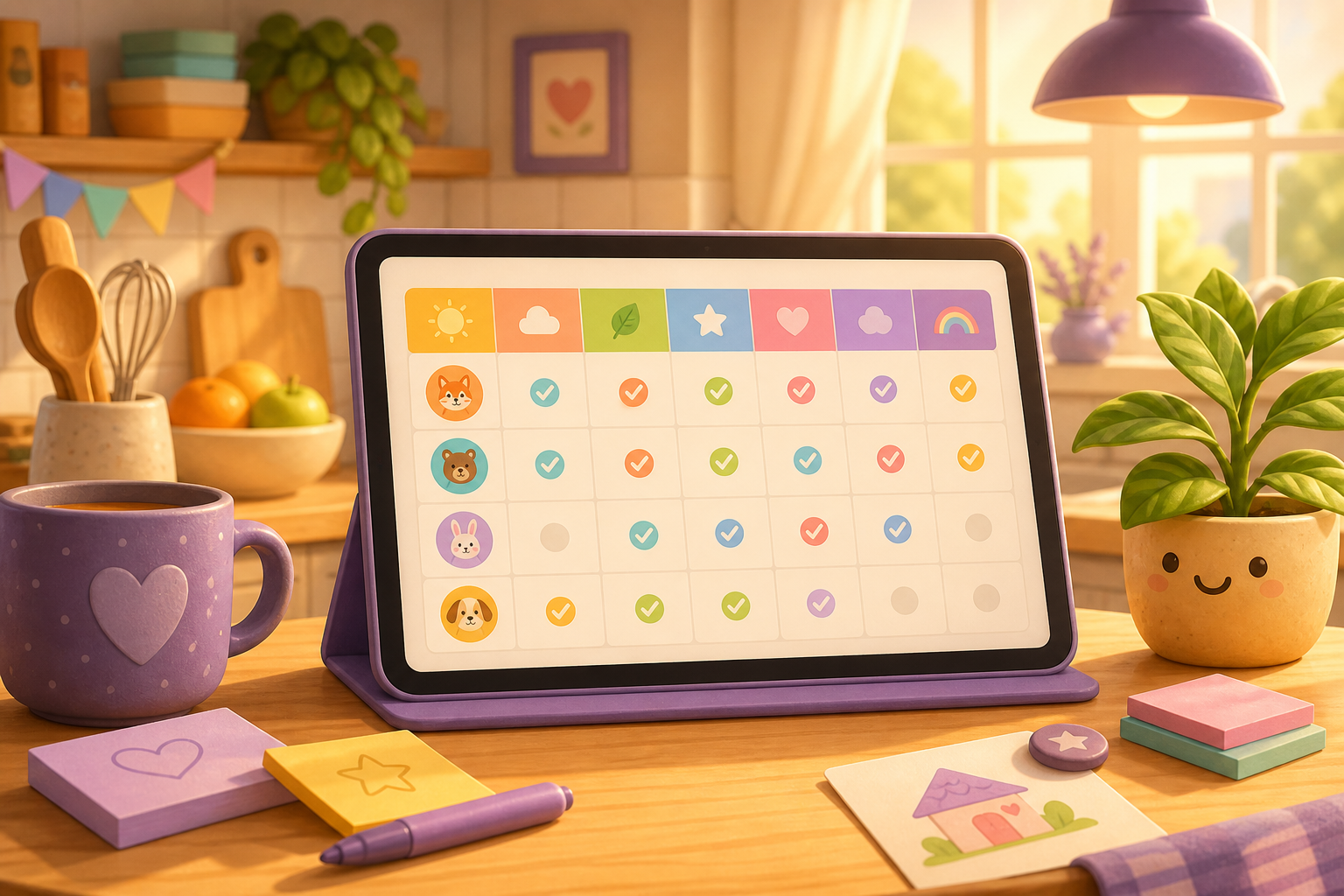
A shared chore board, a quick way to mark jobs done, Choreboard progress, and Streaks that reward showing up every day. Click a screenshot to view it larger.
Bronze, silver, gold — shinier as you go
Yes. Chorish is a free family chore tracker for households and roommates, with no account required.
No. Open Chorish and start a shared chore board straight away—no logins or passwords.
Yes. Your chores stay in your browser on your device. Chorish does not require user accounts.
Practical tips on family chores, routines, and keeping household help feeling lighter.
Shared tasks, progress you can see, day streaks, a Board or Week look at the same home, a guided setup for families or housemates, optional games and certificates, and a private household board—without accounts.
Get Chorish on your iPad
Open in the App Store to download—family chore tracker with rewards, calendars, and mini-games.
Download on the App StoreUse Chorish like an app on a shared tablet or phone. No app store download—just add it from your browser.