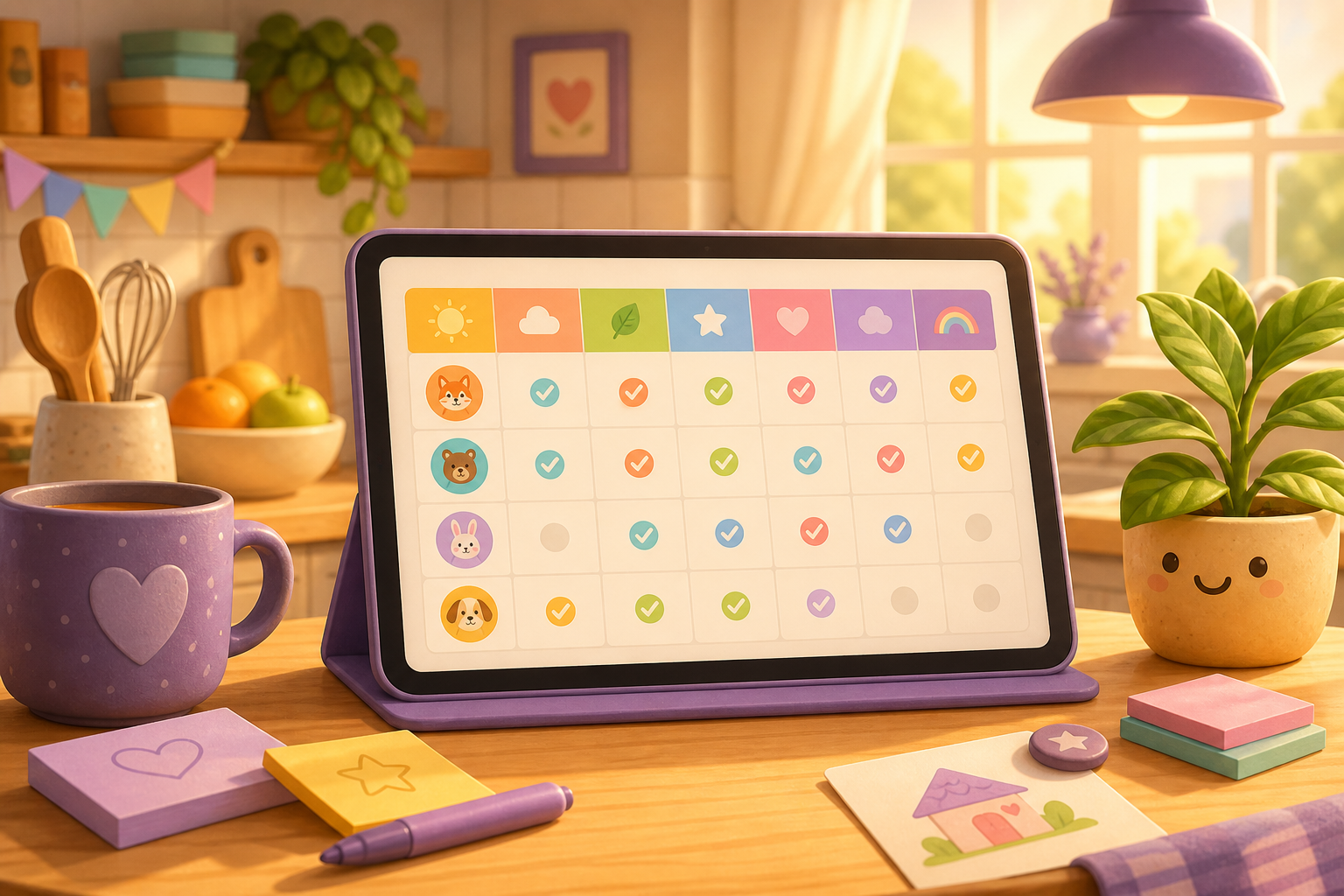
Board is great when you want the full kitchen picture — who’s home, sticky notes, a quick game, the Choreboard. Some evenings you just want the paper-chart feeling: what got done Monday through Sunday, without hunting through cards.
That’s Week in Chorish. On your home, tap Week next to Board and you get a calm Monday-to-Sunday checklist of the chores you share. Still free, still no sign-up, still private in your browser.
Two ways to look at the same home
Week doesn’t replace Board. It sits beside it.
- Board — the busy day-to-day view: chore cards, people, streaks, notes, and games.
- Week — the week laid out like a wall chart: each chore down the side, Mon through Sun across the top, with today easy to spot.
Switch whenever you like. Next time you open that home, Chorish brings you back to the view you left on.
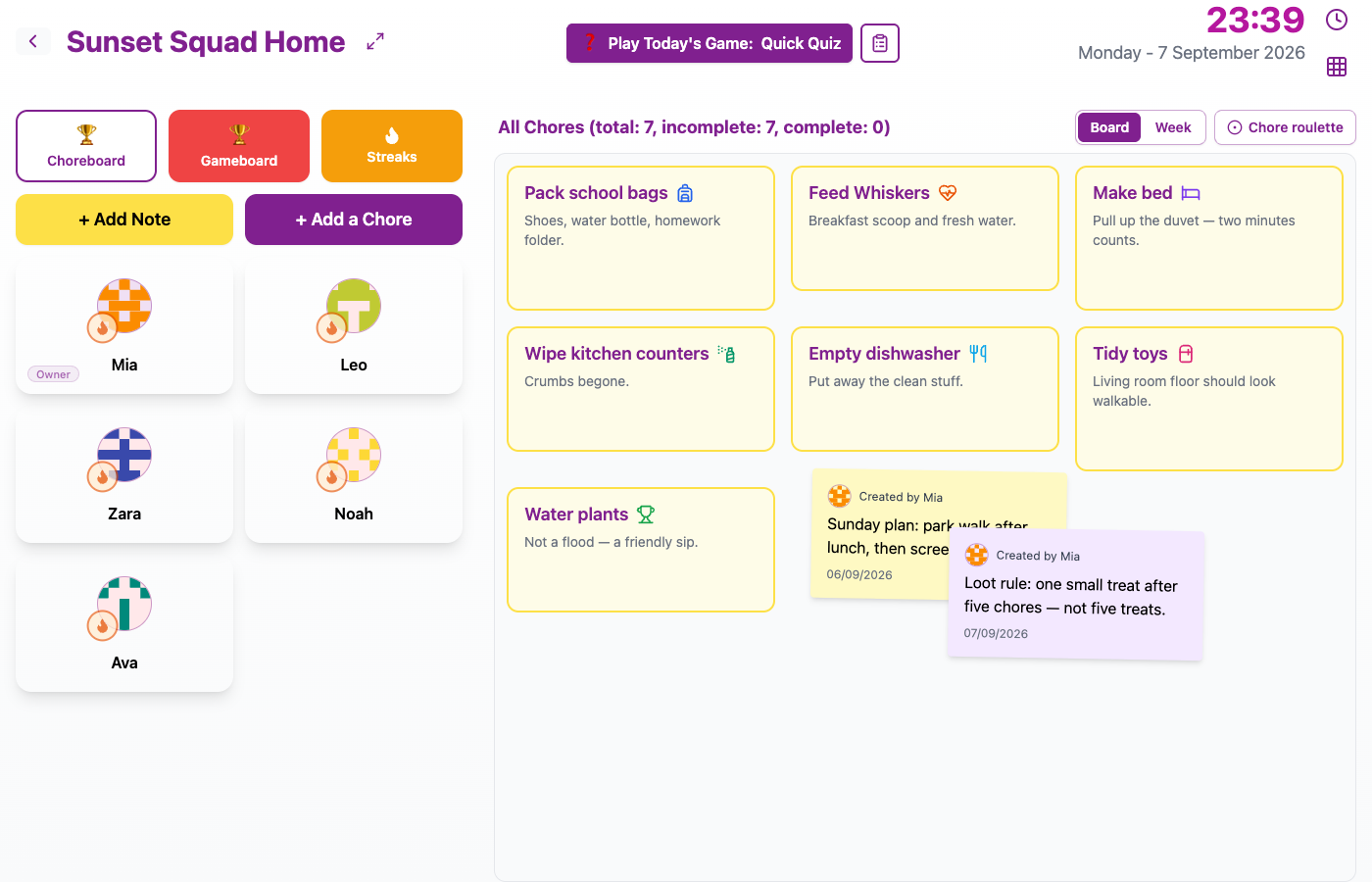
Board and Week sit with your chore list — tap Week when you want the checklist.
Checking off the week
Every row is a shared chore. Every column is a day.
Tap an empty box for today or an earlier day this week and pick who did it — the same “who gets the credit?” step you already know from Board. When it’s done, you’ll see their face in the box; tap again if you need to undo. Days still ahead stay visible so the week makes sense, but you can’t check them yet.
No separate “my jobs / your jobs” columns. It’s one household list, with faces in the cells when someone helps.
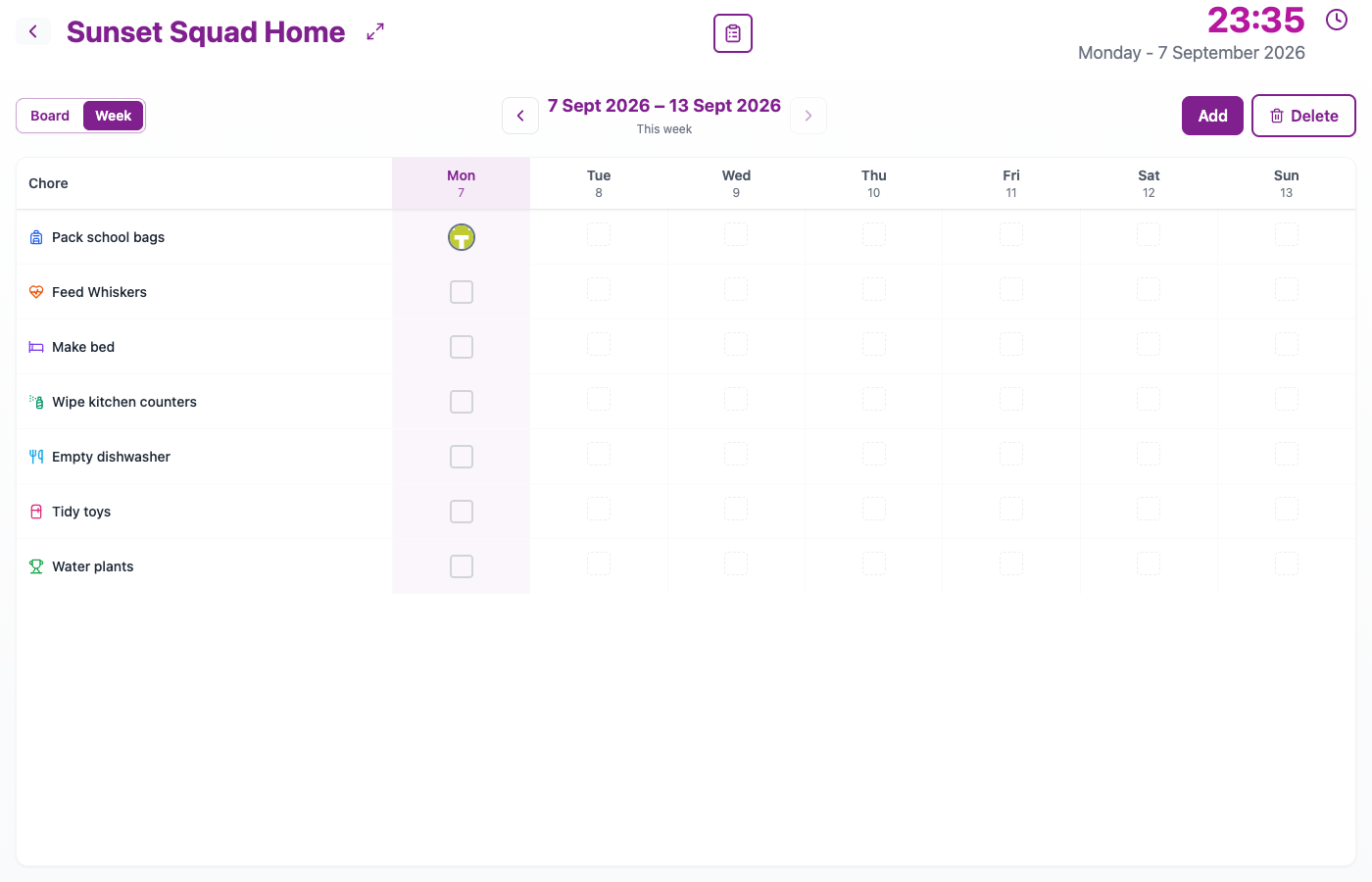
Chores down the side, days across the top, and a little face when someone checked it off.
Today counts; earlier days are catch-up
Marking something today in Week works like finishing it on Board — including Streaks when Streaks are on. Filling in Tuesday because nobody remembered to tap is just catch-up history; it doesn’t mess with the streak someone’s building now.
Curious about last week? Use the arrows to look back (you can see what happened, not change it), then Go to this week when you’re ready. Add or remove chores while you’re on this week — same list Board uses.
When Week shines
Picture Sunday evening on a kitchen tablet. Board feels noisy after a full weekend of notes and games. Flip to Week: dishwasher done Tue and Thu, bags packed most school mornings, recycling still blank for Sat. Two minutes of honesty, then back to Board for Monday’s chaos.
Flatmates get the same calm scan — what got done across the week, without turning it into a debate about who “owns” which job.
Prefer paper on the fridge? Chorish still has the printable chore chart. Week is the live version: tap to update, instead of printing a snapshot.
Board and Week side by side
Neither view replaces the other — they complement each other, and it’s one tap to switch. Use Board when you want people, notes, games, and the full kitchen picture. Flip to Week when you want the week laid out like a wall chart — after a busy weekend, before a family chat, or when someone asks “did anyone do the bins?” and you’d rather show the grid than argue. Pick whichever fits the moment; Chorish remembers your last choice next time you open that home.
Still Chorish
Week uses the chores you already set up. Guided home setup can plant a few starters; Certificates and Streaks keep doing their own jobs. No account to create — open Chorish, tap Week, check a day.
Try Week
Open Chorish, go to your home, and tap Week next to Board. Mark today’s easy win, glance at the rest of the week, then flip back when you want the full dashboard. Questions about privacy, resets, or how many people fit? The FAQ has you covered.