
Some weeks, the dishwasher gets emptied three times without a single complaint. Someone remembers the bins before collection day. Another person cheerfully tackles the one chore everyone else avoids. Those moments deserve more than a quick “thanks”—they deserve something you can point at, print out, and stick where everyone can see it. That’s the idea behind Certificates of Recognition, a new Chorish feature that turns everyday wins into proper, on-brand awards—right from your browser, with no sign-up circus and no data shipped off to who-knows-where.
What are Chorish certificates?
Certificates are printable awards the home owner can give to anyone in the same home. Each one picks a design (we call them templates)—think Star Performer, Kindness Award, Team Player, Bright Spark, Steady Star, and the bold red Chore Champion for household heroes. You choose who gets it, add an optional personal message if you like, and award it in a couple of taps.
Recipients see their certificates on their member details—newest first—open the full certificate, and print it from the browser when they want a paper copy on the fridge or in a keepsake folder. The first time they open one, Chorish marks it as seen (handy if you like to keep track of who’s spotted their latest trophy).
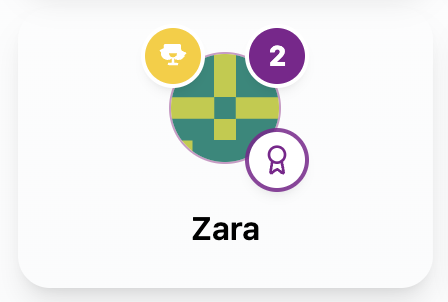
A ribbon-style badge on a member tile nudges you when there’s a new certificate to open.
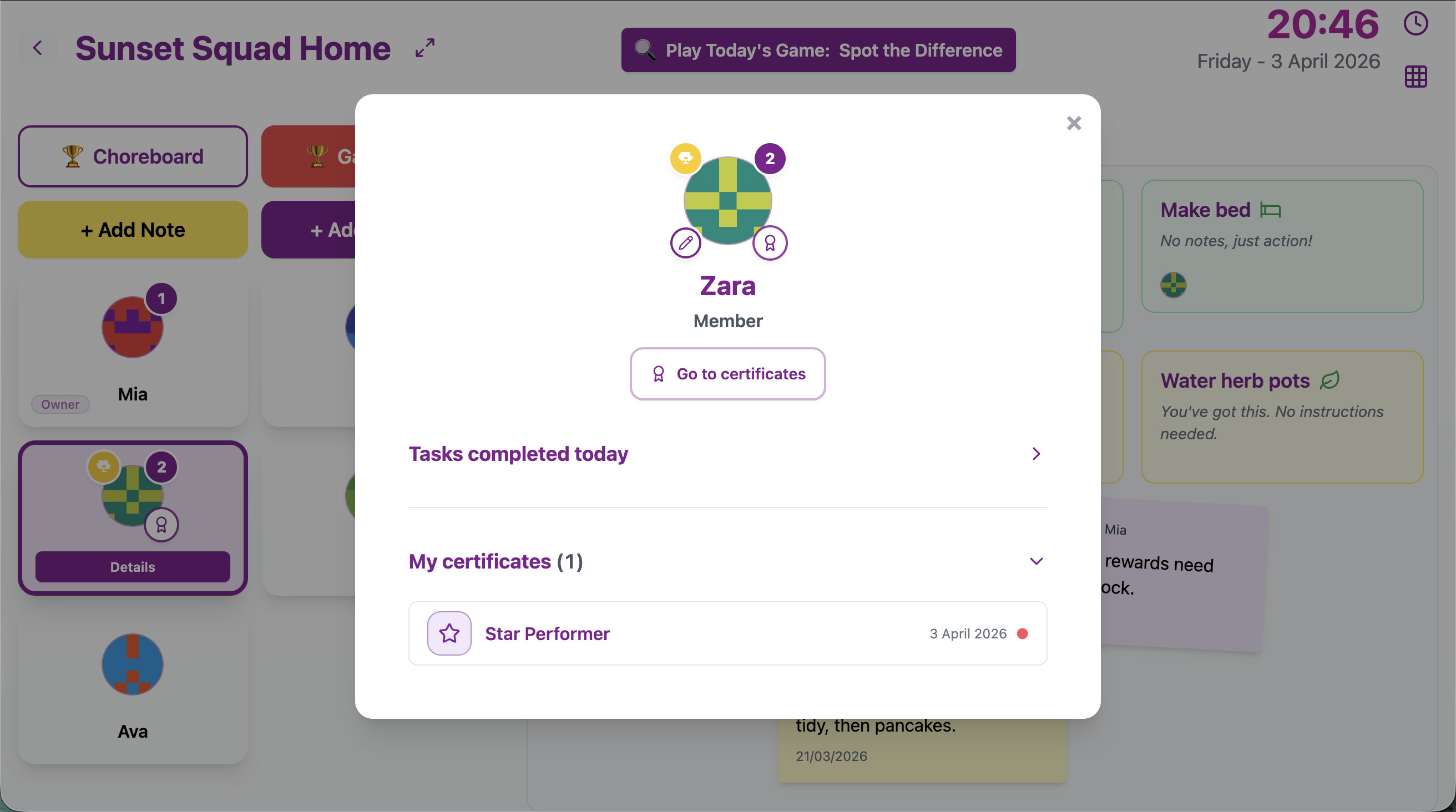
From member Details, My certificates lists awards newest first, next to the usual task history.
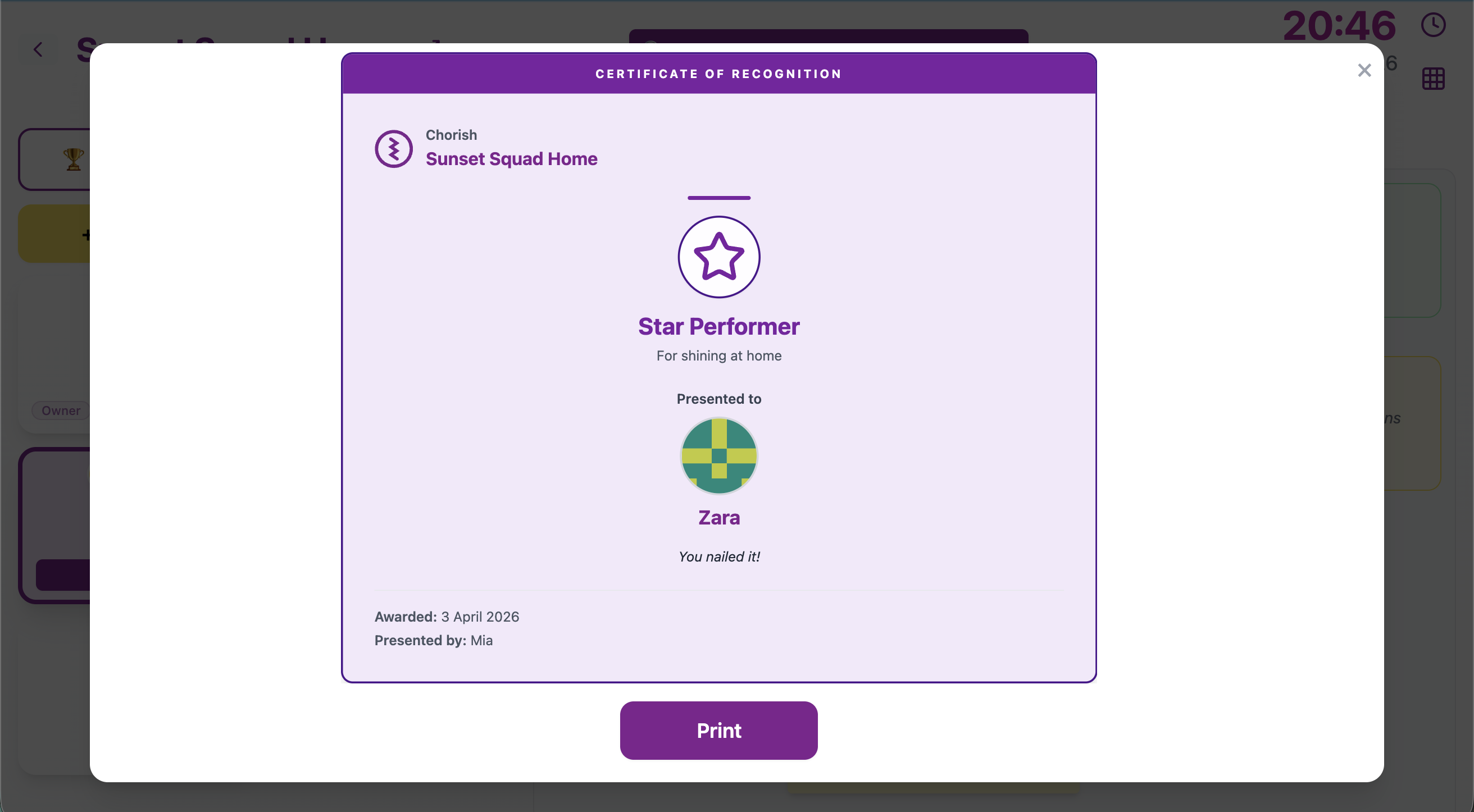
Open a certificate to view the full design—then use Print for a fridge-ready copy.
How owners award a certificate
Head to Manage home → Certificates. You’ll get a live preview of the certificate as you choose template and recipient—no guessing what it’ll look like. Pick someone from your active members, type a short reason if you want (“For hoovering like a legend on Sunday”), and award it. That’s it.
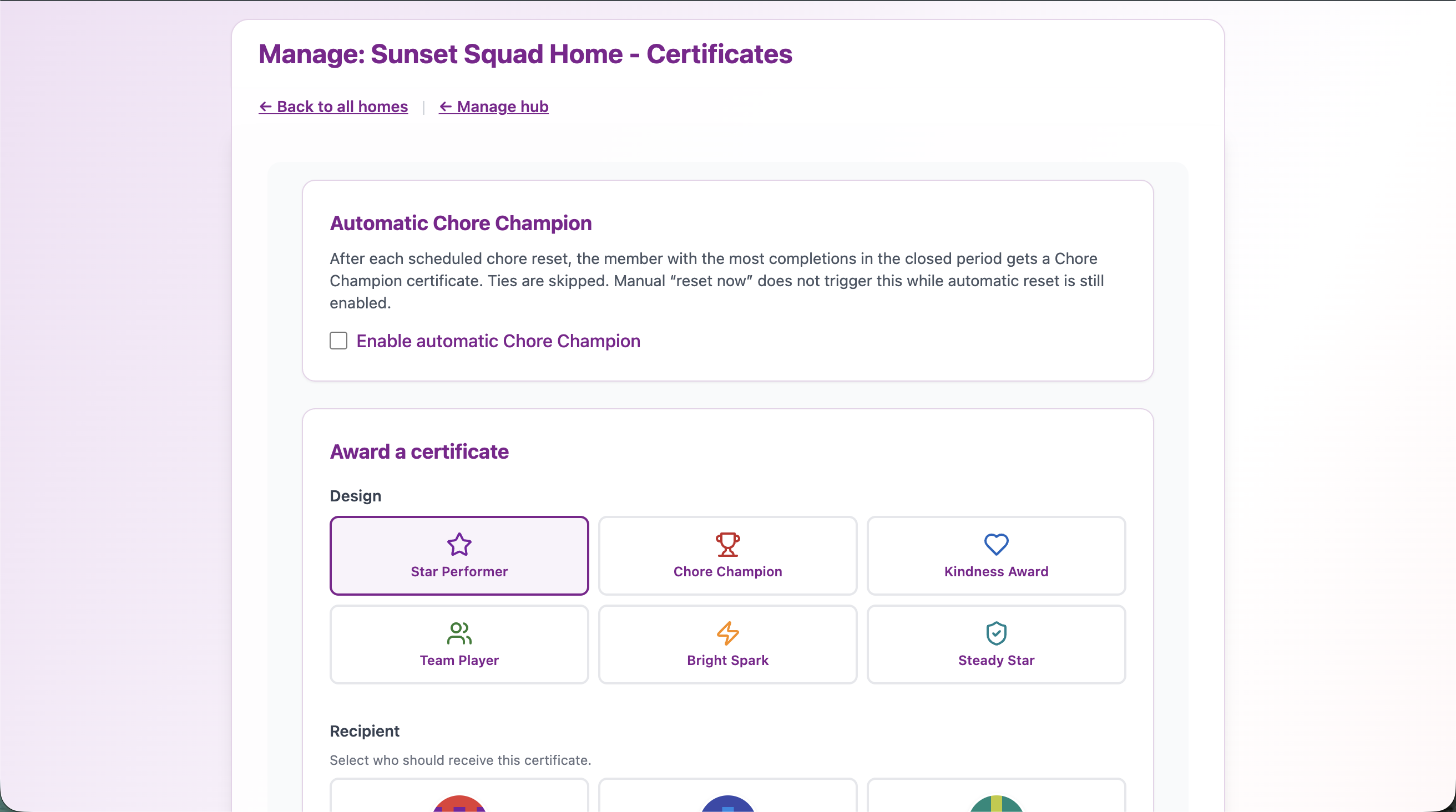
From Manage home, tap Certificates to award templates, browse Awards given, and tweak Chore Champion settings.
There’s also an Awards given section so you can browse what you’ve handed out, filter by person, open any award again, or print from there. If you ever need a completely clean slate, there’s a careful, confirmed clear all path for the whole home—use sparingly, like a fire extinguisher behind glass.
Automatic Chore Champion (optional)
In Manage home → Certificates, owners can switch on automatic Chore Champion. When a chore period ends, Chorish looks at who completed the most chores that period and awards one Chore Champion certificate. If it’s a tie at the top, no automatic award—fair is fair.
While that’s on, you can’t pick the Chore Champion template by hand, so the same red trophy doesn’t get issued twice by mistake. Fine print on how periods and resets line up lives in the FAQ if you use daily or weekly modes.
Why certificates fit Chorish
Chorish is already about visible progress: the Choreboard, the little wins, the quick games after a chore. Certificates add a lasting layer—something tangible for kids who love stickers and adults who secretly love them too. They’re owner-controlled, recipient-visible, and they leave room for your family’s voice in the optional message line. Prefer a habit nudge over a one-off award? Streaks keep a day chain going—flame on the tile, medals on the board, and a separate printable when they hit the house goal.
Roll up your sleeves (then roll out the parchment)
Ready to try it? Open your home on Chorish, head to Manage home → Certificates, and award your first Star Performer or Kindness Award. Check Member → Details on the recipient side to see the list, open one, and hit Print if you want something fridge-worthy.
Questions about homes, resets, or how Chorish stays private in the browser? Our FAQ has you covered—and if you’re still tuning how chores look on the board, our piece on chore icons pairs nicely with a shiny new certificate hanging above the kettle.