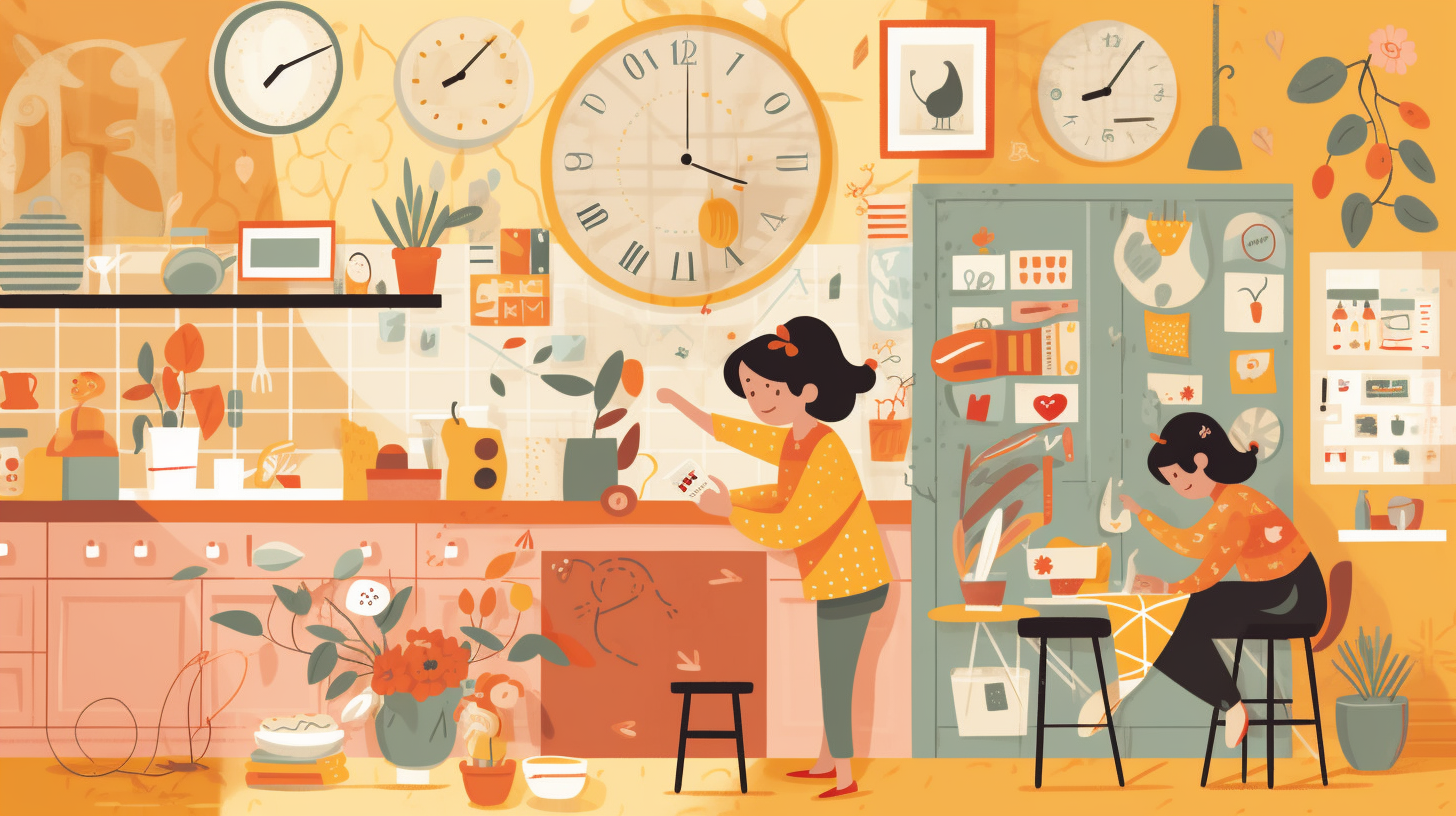
Ever found yourself glancing at your phone for the time while juggling dinner prep, only to realize you’ve been staring at notifications instead? Or maybe you’ve watched your kids squint at tiny screens trying to figure out what time it is? Time to add a dash of style to your daily routine! Chorish just introduced clock widgets—five gorgeous ways to keep track of time right on your dashboard, making it easier than ever to stay on schedule while managing household chores. Best of all, they’re free, private, and live right on your device—no apps, no sign-ups, just beautiful time displays that fit your style.
What Are Clock Widgets?
Clock widgets are Chorish’s newest feature, giving you five distinct ways to view the time while you’re tracking chores. Think of them as your personal timekeeper, always ready to show you exactly what time it is in a style that matches your vibe. Whether you’re a fan of classic elegance or retro charm, there’s a clock style for everyone.
Here’s what you can choose from:
-
Analog Classic: The timeless round clock with hands that sweep smoothly around the face. Perfect for anyone who loves that traditional clock-on-the-wall feel, complete with hour markers and an AM/PM indicator tucked inside the face.
-
Digital Simple: A large, crystal-clear digital display that shows the time in big, bold numbers. No squinting needed—this one’s perfect for quick glances across the room, especially when you’re busy in the kitchen or helping kids with homework.
-
Day Progress: A circular progress ring that fills up as your day goes by, with the time displayed right in the center. It’s like a visual reminder of how your day is unfolding—great for families who want to see both the time and how much of the day has passed.
-
Word Clock: Time displayed in words, like “It is eleven twenty-five.” This elegant style is perfect for teaching kids how to read time, and it adds a touch of sophistication to your dashboard. The words update every minute, making it easy to read at a glance.
-
Dot Matrix: A retro-style digital display that brings back that classic calculator vibe. The digits animate smoothly when they change, and you can even make the colon blink if you want that extra bit of retro flair. It’s fun, nostalgic, and surprisingly satisfying to watch.
Each clock style comes with customization options, like pinning the widget so it stays open, or tweaking settings like the colon blink for the dot matrix style. The best part? You can switch between styles anytime in your settings, so you’re never stuck with just one look.
How to Use Clock Widgets
Using Chorish’s clock widgets is delightfully simple. Here’s how to get started:
-
Open Your Dashboard: When you’re on your Chorish dashboard, look for the clock icon in the top-right corner, right next to the time display.
-
Click the Clock Icon: Tap that icon, and a beautiful, large clock widget opens up in a dialog, showing your current time in your chosen style.
-
Choose Your Style: Head to your home’s settings page and find the “Clock” tab. You’ll see all five styles listed—pick the one that speaks to you! Whether you want the classic analog look or the retro dot matrix vibe, it’s all there.
-
Pin It (Optional): If you want the clock to stay open while you work, click the “Pin” button in the widget’s header. When pinned, it won’t auto-close, making it perfect for keeping an eye on time during cooking or family activities. Unpinned, it’ll automatically close after a period of inactivity, keeping your dashboard clean.
-
Enjoy: That’s it! Your clock widget is ready to use. It updates every second (or minute for the word clock), so you always have the current time at a glance.
The widgets are designed to be touch-friendly, so they work beautifully on tablets in landscape mode—perfect for families who keep a tablet in the kitchen or living room. The large displays make it easy for everyone, from kids learning to tell time to busy parents managing multiple tasks.
What Can Clock Widgets Be Used For?
Clock widgets aren’t just pretty faces—they’re practical tools that fit seamlessly into busy family life and shared living spaces. Here are some ways families and roommates are putting them to good use:
Kitchen Timer Helper: Cooking dinner and need to keep track of time? Pin the digital or analog clock widget and keep it visible while you work. The large display makes it easy to check the time without fumbling with your phone, and you can still see your chore list right below it.
Teaching Time: Kids learning to tell time? The analog classic or word clock styles are perfect for helping them understand how clocks work. The word clock spells out the time in plain English, making it easier for young learners to connect numbers with words.
Shared Space Timekeeper: Roommates sharing a kitchen or living area? Set up a tablet with Chorish and pin a clock widget. Everyone can see the time at a glance without pulling out their phones, and it keeps the space feeling organized and coordinated.
Productivity Boost: The day progress clock is perfect for families who want to visualize how the day is moving along. It’s a gentle reminder of time passing, helping everyone stay aware of schedules and deadlines without feeling rushed.
Visual Appeal: Let’s be honest—sometimes you just want something nice to look at! The clock widgets add a decorative touch to your Chorish dashboard, making it feel more like a family command center than just a chore list. Each style has its own personality, so you can pick one that matches your home’s vibe.
Whether you’re using it as a practical timekeeper or a stylish dashboard accent, Chorish’s clock widgets make managing time feel effortless. They’re part of what makes Chorish more than just a chore tracker—it’s a complete family management tool that keeps things fun, organized, and visually appealing.
Add Time to Your Chore Routine
Ready to add a beautiful clock to your Chorish dashboard? Head to Chorish.com, open your dashboard, and click that clock icon. Choose your favorite style in settings, pin it if you want it to stay open, and enjoy having the time right where you need it. It’s free, private, and ready to help you stay on schedule while you tackle those daily chores.
Have questions about clock widgets or other Chorish features? Check out our FAQ for tips and tricks. Time flies when you’re having fun—especially when you’re tracking it with style!
Word count: 750